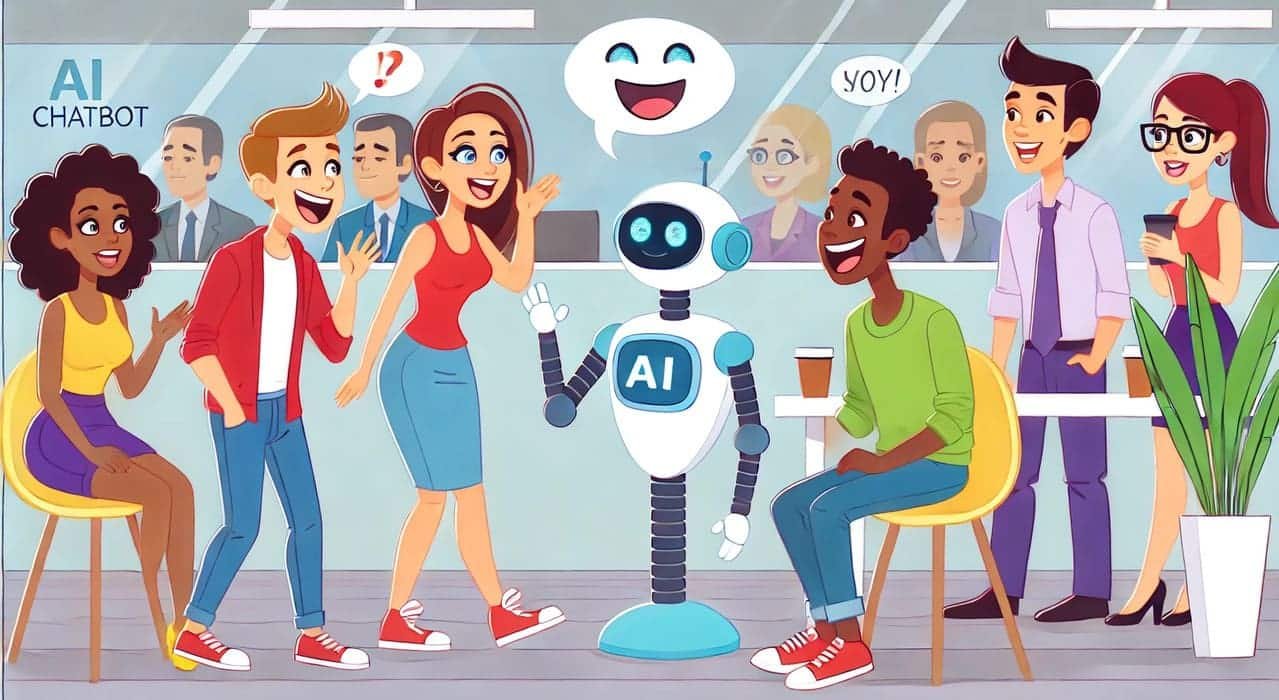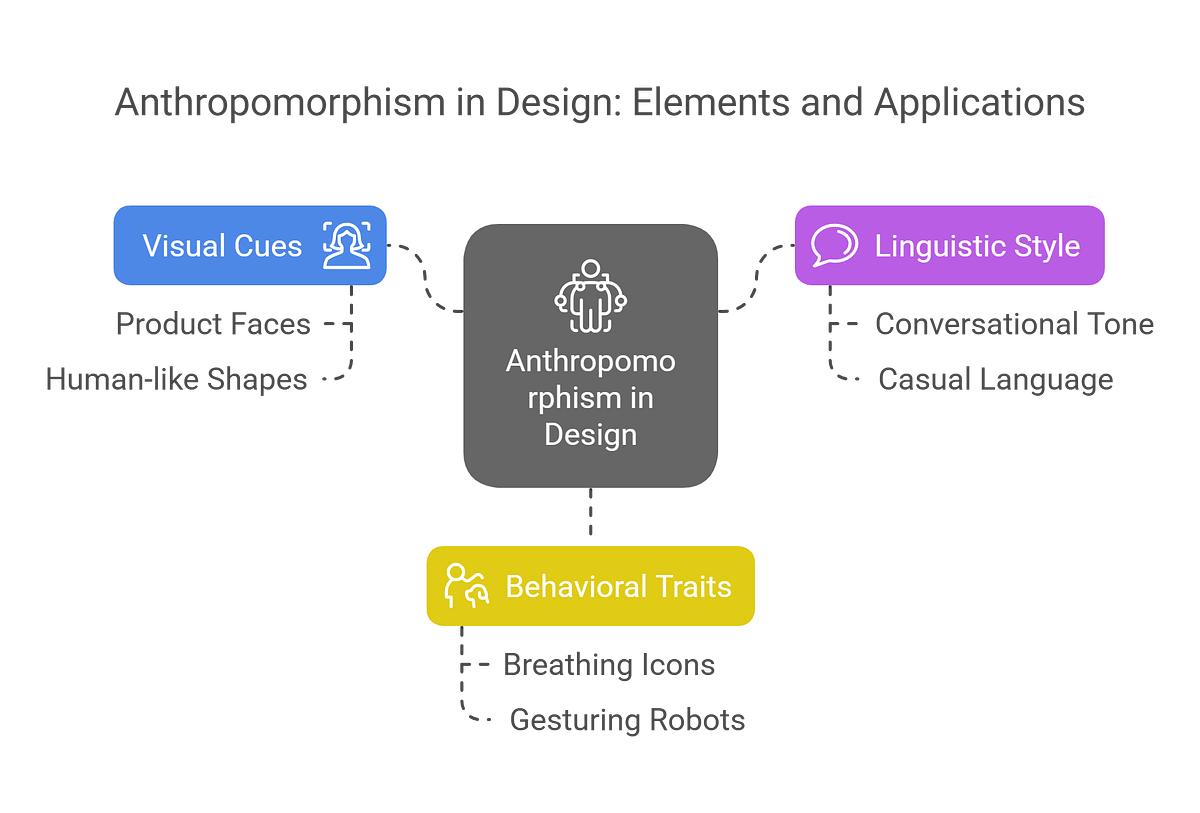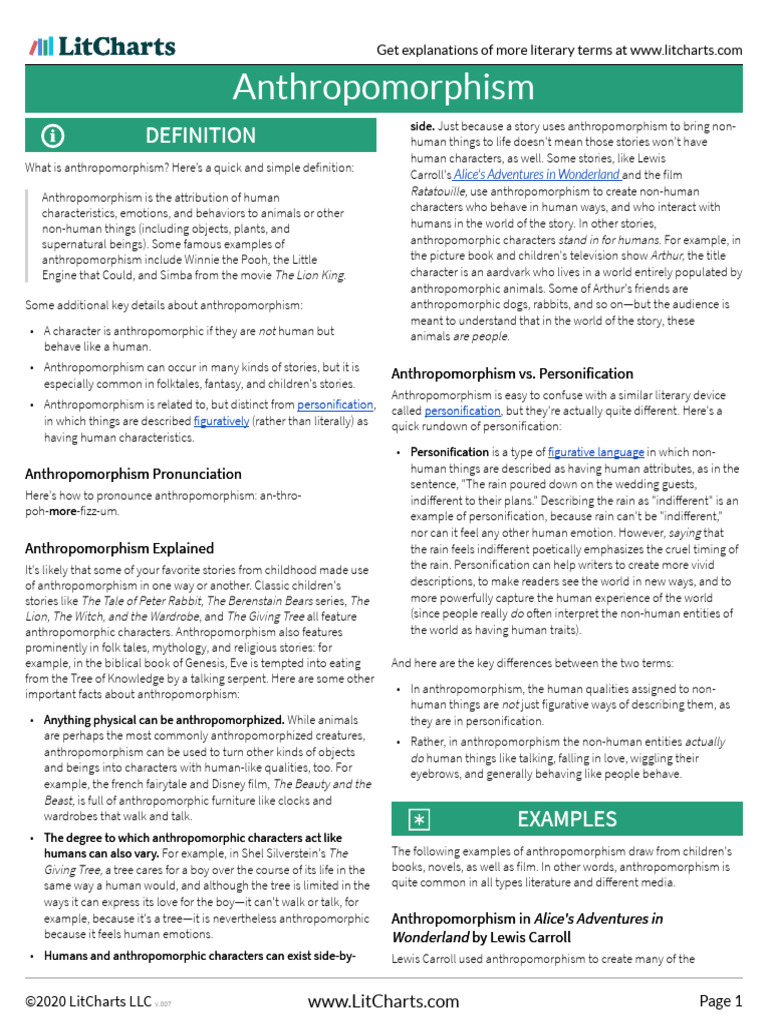
What if your software could smile back at you? Not in a creepy, sentient-AI way—but in a way that makes your user experience feel more intuitive, engaging, and even delightful? Enter anthropomorphism: the art of imbuing non-human entities with human-like traits. From chatbots that crack jokes to error messages that apologize, tech companies are increasingly turning to this psychological sleight of hand to bridge the gap between cold algorithms and warm human interaction. But does it work? And more importantly, how do you implement it without veering into uncanny valley territory?
The Allure of Anthropomorphism in UX: Why Give a Robot a Face?
Humans are hardwired to anthropomorphize. We see faces in clouds, assign emotions to pets, and even apologize to our cars when we hit a pothole. It’s a survival mechanism—our brains crave patterns, and what’s more familiar than human behavior? In UX design, this instinct can be harnessed to create interfaces that feel less like tools and more like collaborators. Consider the humble loading spinner: a static circle that spins endlessly can frustrate users, but animate it with a playful character (think Duolingo’s owl or Slack’s loading dots that form a smile), and suddenly, the wait feels less like a chore and more like a shared joke.
Anthropomorphism isn’t just about aesthetics, though. It’s a strategic tool to reduce cognitive load. When a user encounters a 404 error, a generic “Page Not Found” message might elicit a sigh, but a friendly robot saying, “Oops! Looks like we lost this page in the digital void,” transforms frustration into amusement. The key lies in balancing personality with purpose—too much whimsy can dilute clarity, while too little risks alienating users who crave connection.
The Psychology Behind the Magic: Why It Works (When Done Right)
At its core, anthropomorphism leverages the halo effect—our tendency to generalize positive traits from one aspect to another. If a chatbot responds with empathy, we’re more likely to trust its recommendations, even if it’s just a scripted algorithm. Studies show that users rate anthropomorphized interfaces as more enjoyable and easier to use, despite no actual improvement in functionality. This phenomenon, known as the computers-are-social-actors (CASA) paradigm, suggests that we treat machines as social entities by default, provided they adhere to social norms.
Yet, the psychology cuts deeper. Anthropomorphism taps into social facilitation, where the mere presence of another “being” (even a digital one) subtly influences our behavior. Ever noticed how you type faster when a chatbot replies with a “Got it!”? That’s social facilitation in action. But here’s the catch: it only works if the anthropomorphism feels authentic. A poorly designed mascot can backfire, making users feel manipulated or, worse, condescended to. The challenge? Striking the perfect equilibrium between charm and utility.
Case Study Spotlight: [Tech Company]’s Playful Pivot
Take [Tech Company], a mid-sized SaaS platform that faced a classic UX dilemma: users abandoned their onboarding flow at the final hurdle. The culprit? A dry, text-heavy tutorial that felt like reading a manual for a toaster. The team decided to experiment with anthropomorphism, replacing static instructions with an interactive guide named “Ava,” a quirky AI assistant with a penchant for dad jokes and a visual design inspired by a retro-futuristic librarian.
Ava didn’t just guide users—she reacted to their progress. Stuck on a step? She’d tilt her head and say, “Hmm, let’s try that again—maybe like this?” Completed a task? She’d high-five the screen with a celebratory “Boom! You’re a pro!” The results were striking: onboarding completion rates jumped by 34%, and user feedback shifted from neutral to overwhelmingly positive, with many citing Ava as the reason they “felt like the product cared about them.” But the real win? Ava’s personality didn’t overshadow the product’s functionality—it enhanced it, making complex features feel accessible through humor and relatability.

The Pitfalls: When Anthropomorphism Backfires
Not every attempt at anthropomorphism hits the mark. The most common misstep? Overdoing it. Consider Microsoft’s Clippy, the infamous paperclip assistant that haunted Office users in the early 2000s. Clippy’s intrusive pop-ups and saccharine tone didn’t just fail to help—they actively annoyed users, embodying the uncanny valley where the attempt at human-like interaction feels more unsettling than endearing. The lesson? Anthropomorphism must serve a clear purpose. If a chatbot’s humor distracts from the task at hand, or a mascot’s design feels infantilizing, the experiment is doomed.
Another risk is cultural misalignment. A playful tone in one region might come across as unprofessional in another. For example, a Japanese user might find a chatty AI assistant jarring, while a Brazilian user might expect it. Localization isn’t just about language—it’s about tailoring anthropomorphism to cultural norms. The challenge isn’t just designing a character; it’s designing one that resonates universally.
Best Practices: How to Anthropomorphize Without Alienating Users
So, how do you harness the power of anthropomorphism without falling into the traps? Start with subtlety. A well-placed emoji in an error message or a loading animation that mimics breathing can humanize an interface without overwhelming it. Next, ensure consistency. If your brand voice is professional, a suddenly chatty error message will feel jarring. The anthropomorphism should feel like a natural extension of your brand’s personality.
Accessibility is another critical consideration. Not all users will appreciate (or even notice) anthropomorphic cues. Provide alternatives for those who rely on screen readers or prefer minimalist interfaces. For example, pair a friendly chatbot response with a clear, text-based explanation. Finally, test relentlessly. User testing isn’t just about functionality—it’s about emotional resonance. Does your anthropomorphism make users smile, or does it make them roll their eyes? The answer could mean the difference between a loyal user and a lost one.
The Future: Where Do We Go From Here?
As AI becomes more sophisticated, the line between human and machine interaction will continue to blur. Imagine a world where your email client not only sorts your inbox but also detects your mood and adjusts its tone accordingly—cheerful in the morning, empathetic during a stressful day. The potential for anthropomorphism in UX is vast, but it must be wielded with care. The goal isn’t to trick users into thinking they’re interacting with a human; it’s to make technology feel like a seamless extension of their own humanity.
The challenge ahead? Balancing innovation with integrity. In a world where users are increasingly skeptical of gimmicks, anthropomorphism must prove its worth—not just as a novelty, but as a tool that genuinely enhances usability. The companies that succeed will be those that use it to foster trust, reduce friction, and, above all, make the digital experience feel a little less lonely.